Purchasing & Receiving Devices
Context
This documents the full purchase-to-receive workflow in the device_inventory Odoo 19 module. Reyder Enterprises purchases mobile devices from vendors like Apple Wholesale. The workflow covers creating a purchase order, confirming it, uploading an IMEI manifest, scanning devices in via barcode, and marking the manifest complete — which triggers the inventory accounting entry.
Step 1: Create Purchase Order
Path: Purchase → Orders → New
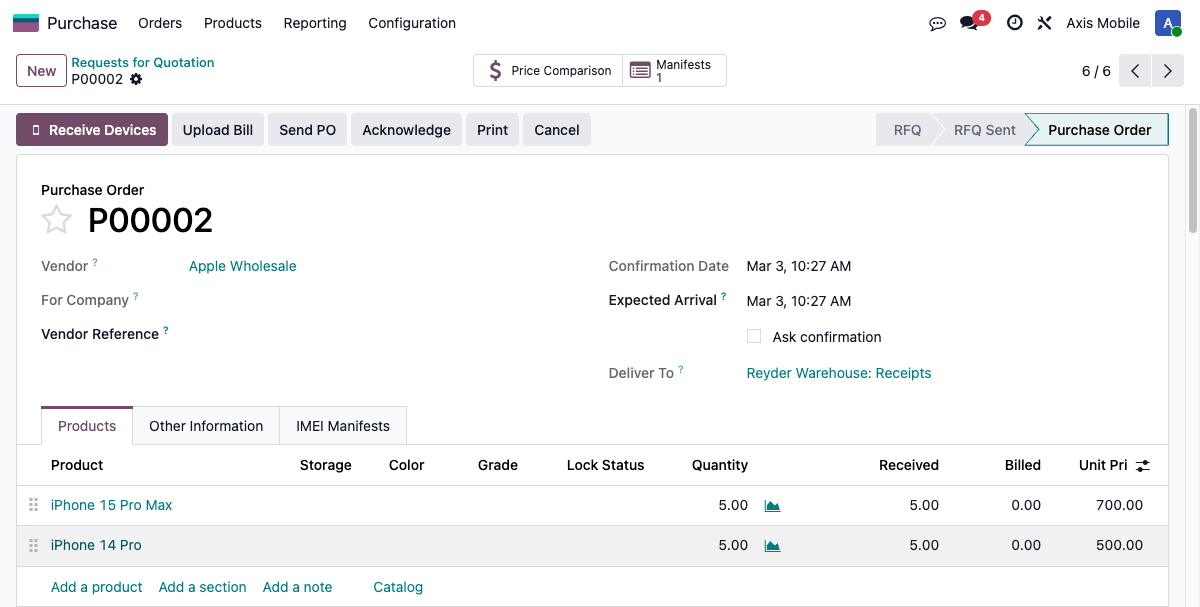
Add device product lines for the devices being purchased. Each line can specify:
- Product (iPhone 15 Pro Max, Samsung Galaxy S24 Ultra, etc.)
- Storage capacity (16 GB, 32 GB, 64 GB, 128 GB, 256 GB, 512 GB, 1 TB)
- Color
- Grade (Excellent, Good, Fair, Poor)
- Lock Status
- Quantity
- Unit Price
Step 2: Confirm Purchase Order
Click the "Confirm Order" button on the PO form.
What happens on confirm:
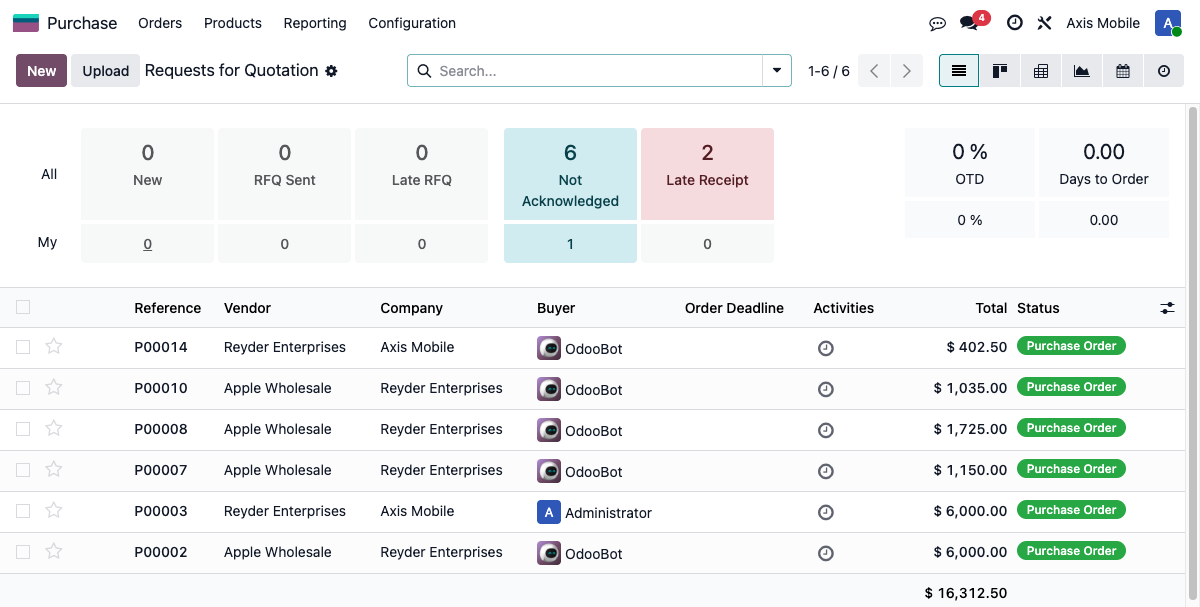
- PO status changes to "Purchase Order"
- An receiving manifest (
device.manifestwithmanifest_type = 'receiving') is automatically created and linked to the PO - The manifest starts in the
awaiting_uploadstate - A "Manifests" smart button appears in the PO header chatter area showing the manifest count
Step 3: Upload IMEI Manifest
Click the "Manifests" smart button on the confirmed PO to open the manifest form.
Use the Manifest Upload Wizard to upload a CSV or Excel file containing IMEIs for the devices being received.
CSV Column Reference
| Column | Required | Description |
|---|---|---|
IMEI |
Yes | 15-digit device IMEI |
storage |
No | Storage capacity (e.g., 128, 256) |
color |
No | Device color |
grade |
No | Device grade (Excellent/Good/Fair/Poor) |
lock_status |
No | Lock status |
purchase_cost |
No | Unit cost for this device |
supplier_sku |
No | Vendor's SKU reference |
supplier_grade |
No | Vendor's own grade designation |
supplier_carton_id |
No | Vendor carton/box identifier |
The wizard displays a column-mapping preview before import so you can verify the mapping is correct.
After Upload
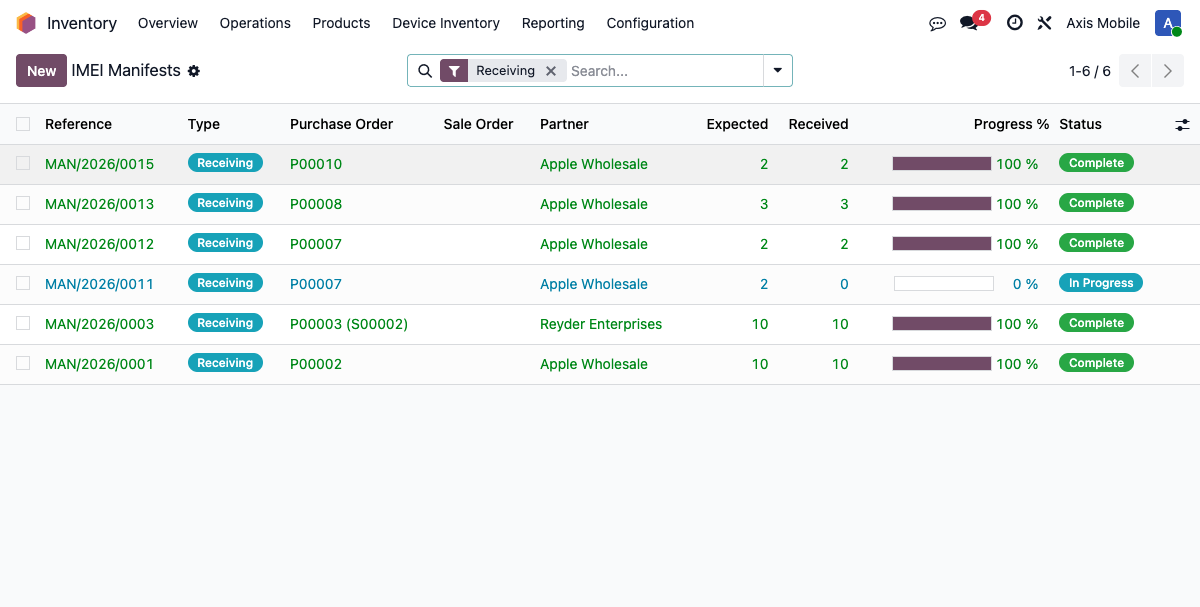
- Manifest status changes to
uploaded - Manifest lines are created — one per IMEI in the file
- Each line contains:
imei,product_id,storage_capacity,device_color,lock_status,purchase_cost - Lines are tagged with an
origin_type: po_expected— IMEI matched a PO line (expected quantity)csv_new— Extra IMEI in the file that was not on the original PO
Step 4: Barcode Receiving
Path: Barcode app → Manifest Receiving, or click "Receive Devices" on the PO form.
Scan device IMEIs one at a time using a barcode scanner.
How Each Scan Works
Each scan calls _quick_receive() on the matching manifest line:
- A
pg_try_advisory_xact_lock(imei_hash)is acquired to prevent race conditions if two scanners are operating simultaneously - A
stock.lotrecord is created for the device, storing all specs (IMEI, product, storage, color, grade, lock status, etc.) - A
stock.quantrecord is created to track on-hand quantity at the receiving location - The device's
intake_dateis set to the current date - The device's
qc_statusis set topending_qc— the device must pass QC before it can be sold or allocated - The manifest line's
statusis updated toreceivedandstock_lot_idis linked to the created lot - The manifest progress bar updates in real-time, showing
received_count / expected_count
Unexpected IMEIs
If a scanned IMEI does not match any line in the manifest, the system creates a new manifest line with origin_type = 'barcode_unexpected' rather than rejecting the scan. This handles vendor shipments that include devices not listed on the original PO.
Step 5: Mark Manifest Complete
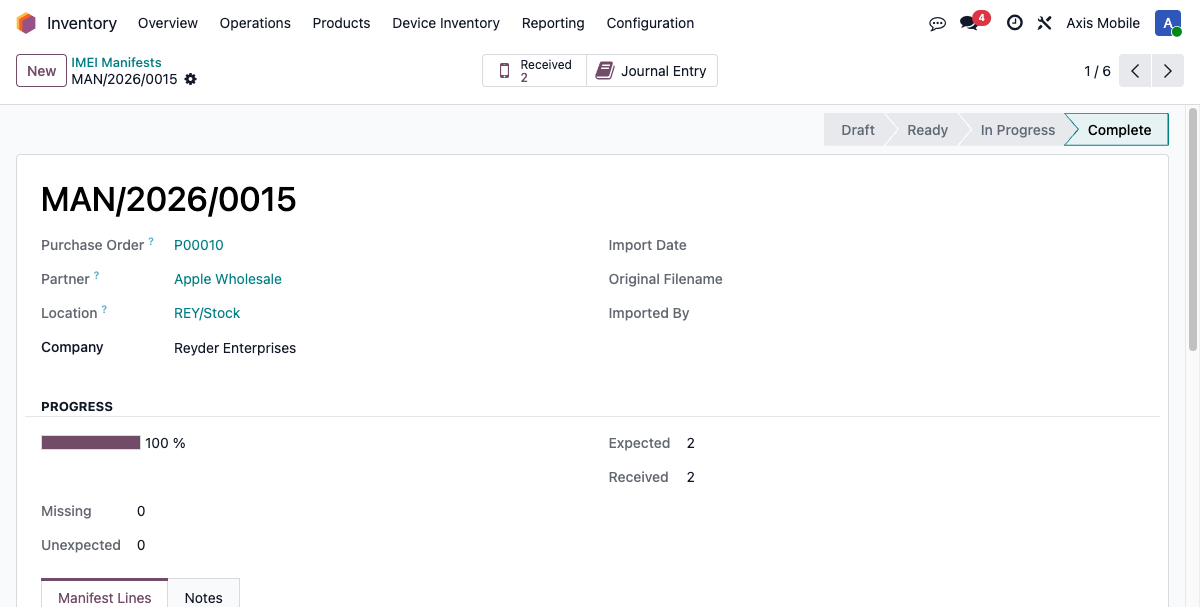
When all expected devices have been received (or missing ones have been acknowledged), click "Mark Complete" on the manifest form.
This triggers action_mark_complete(), which performs the following in sequence:
- Creates the inventory GL accounting entry via
_create_inventory_accounting_entry() - Creates a putaway warehouse task via
_create_putaway_task()to assign shelf locations - Sets the manifest
statetodone
Accounting: Receiving GL Entry
When the manifest is marked complete, a journal entry is automatically created and posted:
| Detail | Value |
|---|---|
| Amount | Sum of purchase_cost for all received lines, including unexpected devices |
| Journal | Device Stock Journal (configured in Settings → Inventory) |
| Posting | Auto-posted immediately on manifest completion |
| Reference | Stored on the manifest as account_move_id |
The Device Valuation Account and Device Stock Input Account are configured per-company in the Inventory settings under the device_inventory module configuration.
What Happens Behind the Scenes
| Step | Model | Action |
|---|---|---|
| 1 | stock.lot |
Created per device with all specs: IMEI, product, storage, color, grade, lock status |
| 2 | stock.quant |
Created to track on-hand quantity at the receiving location |
| 3 | stock.lot |
intake_date set to today's date |
| 4 | stock.lot |
qc_status set to pending_qc — blocks sale/allocation until QC is passed |
| 5 | device.manifest.line |
stock_lot_id linked to the newly created lot |
| 6 | account.move |
Inventory GL entry created and auto-posted |
Key Fields Reference
| Model | Field | Description |
|---|---|---|
purchase.order |
manifest_ids |
One2many link to all receiving manifests for this PO |
purchase.order |
manifest_status |
Computed field showing receiving progress |
device.manifest |
manifest_type |
'receiving' for purchase receipts |
device.manifest |
state |
draft → awaiting_upload → uploaded → in_progress → done |
device.manifest |
account_move_id |
Many2one link to the inventory GL journal entry |
device.manifest |
received_count |
Count of lines with status = 'received' |
device.manifest |
expected_count |
Count of lines with origin_type = 'po_expected' |
device.manifest.line |
status |
expected, received, or missing |
device.manifest.line |
origin_type |
po_expected, csv_matched, csv_new, barcode_matched, barcode_unexpected |
device.manifest.line |
stock_lot_id |
Many2one link to the created stock.lot device record |
device.manifest.line |
imei |
The device IMEI scanned or uploaded |
device.manifest.line |
purchase_cost |
Per-device cost used for GL entry valuation |