Retail Operations
Overview
The retail channel handles sales through retail partners (e.g., AnyMobile). It has two components: Retail Reservations (hold devices for a partner) and Retail Sales (record actual sales).
Part 1: Retail Reservations
Creating a Reservation
- Path: Inventory → Device Inventory → Inventory → Retail Reservations
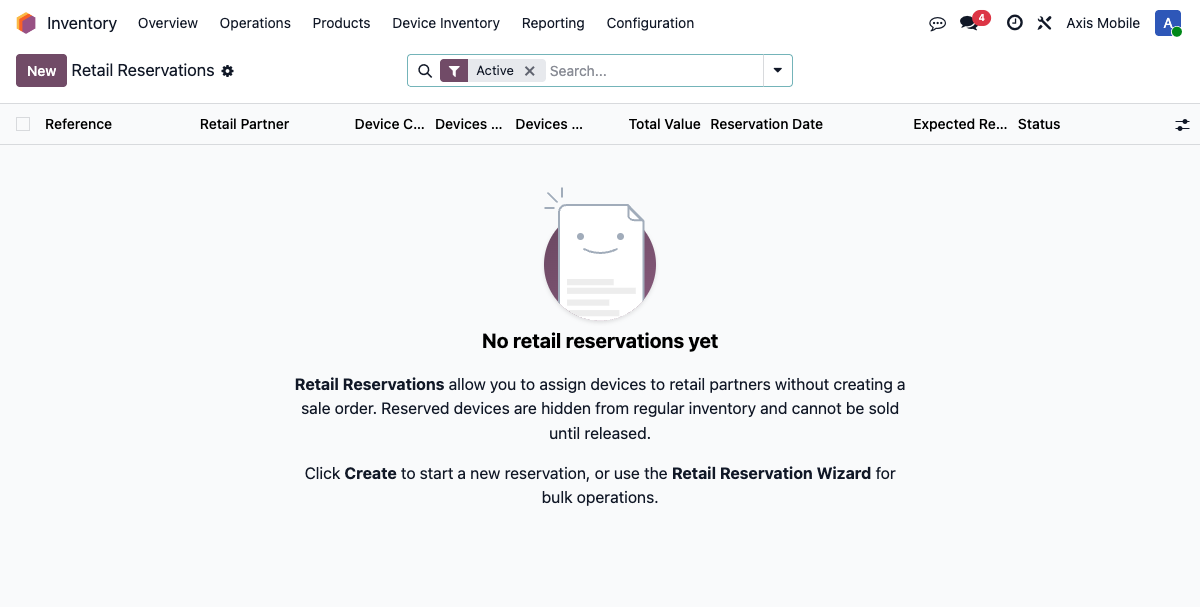
- Model:
device.retail.reservation
| Field | Description |
|---|---|
retail_partner_id |
Retail partner (e.g., AnyMobile) |
owner_company_id |
Device owner company |
holding_company_id |
Company currently holding the devices |
retail_location_id |
Physical location for the reserved devices |
state |
draft, active, released, cancelled |
device_count |
Number of reserved devices |
sold_count |
How many have been sold |
remaining_count |
device_count - sold_count |
Reserve/Release Devices Wizard
- Path: Inventory → Device Inventory → Inventory → Reserve/Release Devices
- Model:
retail.reservation.wizard - Selection modes:
manual,by_manifest,by_purchase_order,by_filters
Filter and select devices, then set partner, location, and expected return date.
Activate Reservation
action_activate() performs the following:
- Sets reservation state to
active - Marks selected devices with
retail_partner_id - Sets
is_retail_reserved = Trueon devices - Optionally moves devices to the retail location (creates a
device.movement)
Release Reservation
action_release() performs the following:
- Clears
retail_partner_idon devices - Moves devices back to storage location
- Sets reservation state to
released
Auto-Close
_check_auto_close() monitors reservation completion:
- When all reserved devices are sold, the reservation auto-closes
- Triggered by retail sale confirmation
- Sets state to
releasedautomatically
Part 2: Retail Sales
Creating a Retail Sale
- Path: Inventory → Device Inventory → Inventory → Retail Sales
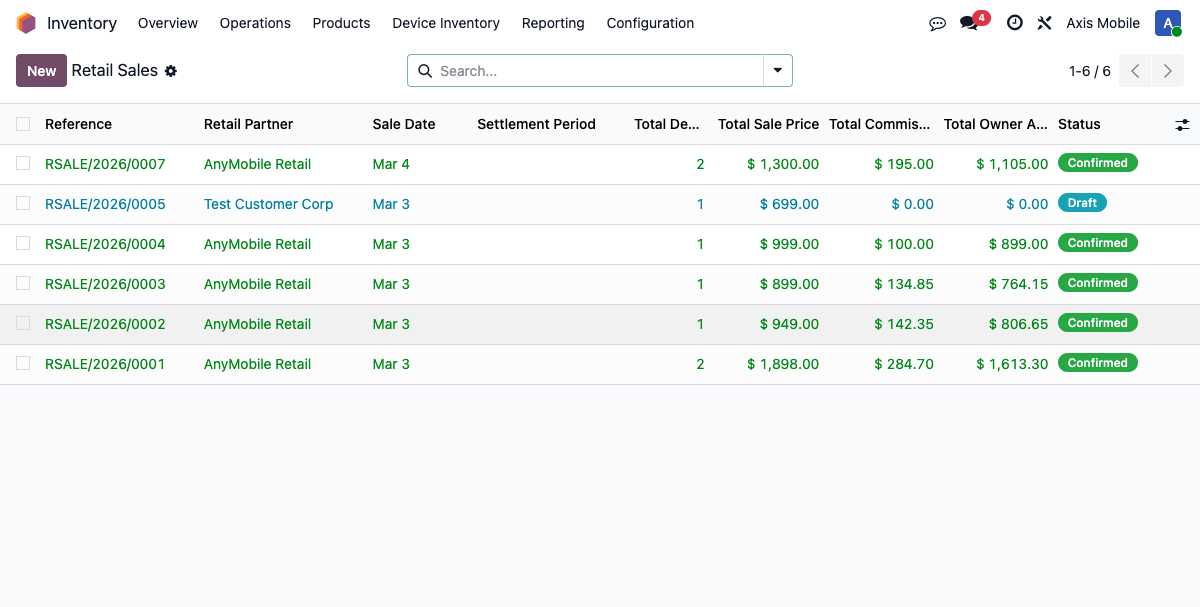
- Model:
device.retail.sale
| Field | Description |
|---|---|
retail_partner_id |
Retail partner |
company_id |
Selling company |
sale_date |
Date of sale |
state |
draft, confirmed, cancelled |
invoice_id |
Link to customer invoice |
cogs_move_id |
Link to COGS journal entry |
settlement_report_ids |
Many2many to settlement reports |
total_devices |
Device count |
total_sale_price |
Sum of sale prices |
total_commission |
Sum of commissions |
total_owner_amount |
Sum of owner amounts |
Add Device Lines
Devices can be added to a retail sale in two ways:
- Manually: Add each device with a sale price per device
- Via import: Use the Import Retail Sales wizard (CSV)
Retail Sale Import Wizard
- Path: Inventory → Device Inventory → Inventory → Import Retail Sales
- Model:
retail.sale.import.wizard - Upload a CSV file with columns:
IMEI,Sale Price - IMEIs must exist as
stock.lotrecords - Devices must be in
availableorreservedstatus
Confirm Retail Sale
action_confirm() triggers the following sequence:
- Acquires
FOR UPDATE NOWAITlocks on devices (prevents race conditions) - Marks each device as sold via
action_mark_sold_retail(sale_price, selling_company) - Creates settlement reports for consignment devices (uses
sudo()) - Creates retail customer invoice via
_create_retail_invoice() - Creates COGS entry via
_create_retail_cogs_entry()
Accounting
COGS Entry:
Customer Invoice:
- Type:
out_invoiceto retail partner - One line per device with
sale_price - No taxes applied
- Auto-posted
Settlement (if consignment):
- Same paired reports as SO-based sales
- See Settlement Reports