Security & Multi-Company Data Separation
This document describes the security model, record rules, and data separation strategy used to keep Axis Mobile (device owner) and Reyder Enterprises (consignee/seller) data properly isolated.
Company Setup
| Company | ID | Role | Description |
|---|---|---|---|
| Reyder Enterprises | 1 | Consignee/Seller | Manages warehouse, sells devices to customers |
| Axis Mobile | 2 | Device Owner | Owns devices, consigns them to Reyder to sell |
User Roles & Groups
| Group | Technical Name | Capabilities |
|---|---|---|
| Stock User | stock.group_stock_user | View devices, manifests, receive devices, view reports |
| Stock Manager | stock.group_stock_manager | Full CRUD on all device operations, configuration access |
| Salesman | sales_team.group_sale_salesman | Create SOs, allocate devices, view own settlements |
| Sales Manager | sales_team.group_sale_manager | Full access to sales, all settlements |
Test Users
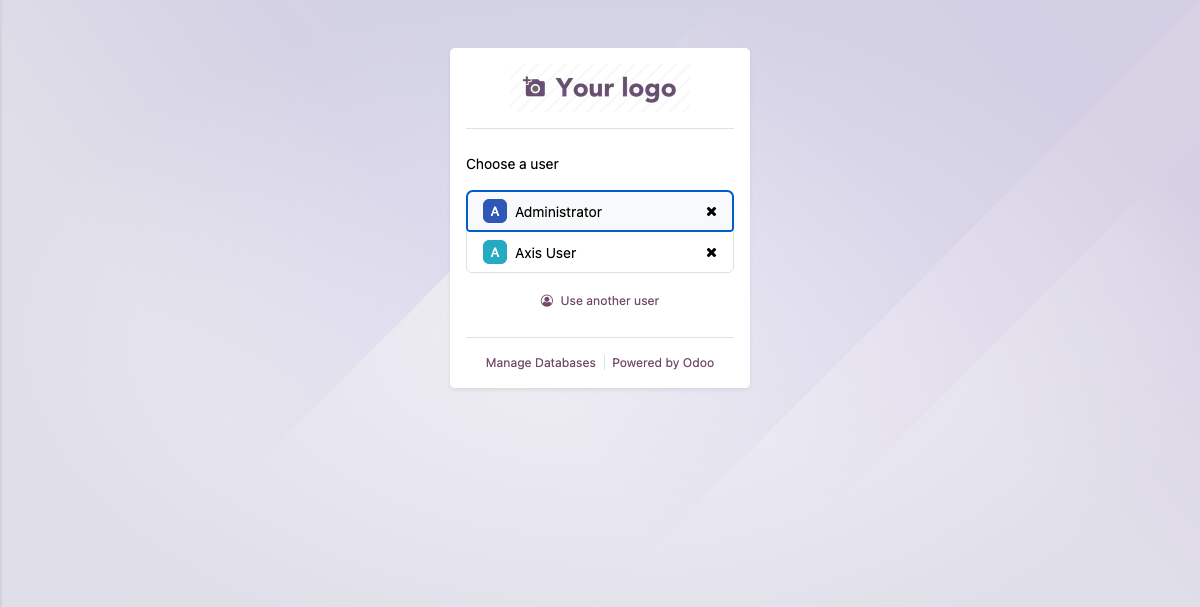
| User | Login | Company | Purpose |
|---|---|---|---|
| Administrator | admin | Both (Reyder + Axis) | Full access, sees everything |
| Axis User | axis_user (uid=5) | Axis Mobile only | Data separation testing |
What Axis Mobile CAN See
- Their owned devices: IMEI, model, storage, grade, battery health, QC status, device status
- Owner settlement reports: IMEI, model, grade, commission amount, owner amount
- Their consignment agreements
- Their retail reservations and retail sales (if applicable)
- Device traceability information
What Axis Mobile CANNOT See
- Reyder's customer names
- Sale prices on owner settlement reports
- Reyder's SO numbers
- Consignee settlement reports (contains customer/price data)
- Reyder's delivery manifests (
company_id= Reyder) - Reyder's internal warehouse operations
Record Rules (How It Works)
The module defines custom record rules in security/security.xml:
| Rule | Model | Domain | Effect |
|---|---|---|---|
| Settlement Report Company Rule | consignment.settlement.report | company_id in company_ids |
Owner sees only owner reports, consignee sees only consignee reports |
| Settlement Report Line Rule | consignment.settlement.report.line | report_id.company_id in company_ids |
Lines follow parent report visibility |
| Device Manifest Rule | device.manifest | company_id in company_ids |
Each company sees only their manifests |
| Consignment Agreement Rule | device.consignment.agreement | owner OR consignee in company_ids |
Both parties can see their agreements |
| Device (stock.lot) Global Rule | stock.lot | company_id in company_ids+[False] OR owner_company_id in company_ids OR consignee_company_ids in company_ids |
Replaces standard Odoo rule; allows consignee to see owner's devices |
| Device Transfer Order Rule | device.transfer.order | source OR dest company_id in company_ids |
Both parties see the transfer |
| Retail Sale Rule | device.retail.sale | company_id in company_ids |
Company-scoped |
| Retail Reservation Rule | device.retail.reservation | owner OR holding company in company_ids |
Both parties see |
| SO Line Device Rule | sale.order.line.device | sale_order_id.company_id in company_ids |
Follows SO company |
Critical: Settlement Report Data Separation
The key to data separation is the company_id field on consignment.settlement.report:
- Owner report:
company_id= owner company (Axis Mobile, id=2) - Consignee report:
company_id= consignee company (Reyder, id=1)
This means the record rule company_id in company_ids automatically:
- Shows owner reports to Axis users
- Shows consignee reports to Reyder users
- Hides consignee reports from Axis (which contain customer names and sale prices)
Additionally:
paired_report_idis only set on the consignee report — the owner cannot navigate to consignee data- Owner report lines omit
sale_price,sale_order_name, andcustomer_namefields entirely
Stock.lot Visibility (Consignment-Aware)
The standard Odoo stock.lot rule is deactivated and replaced with a custom rule that allows:
- Normal company-scoped access:
company_id in user's companiesorcompany_id = False - Owner access:
owner_company_id in company_ids— owners always see their devices - Consignee access:
consignee_company_ids in company_ids— consignees see consigned devices when an agreement is active
Important Gotchas
Admin sees everything
The admin user belongs to both companies. Odoo's company_ids includes both, so all record rules pass. To test data separation, use axis_user which belongs to only Axis Mobile.
Company switcher (cids cookie)
Odoo auto-expands the cids cookie to include a record's company if the user belongs to it. This means admin will always get auto-expanded to see records from both companies. Testing multi-company isolation requires a user that belongs to only one company.
Odoo shell runs as SUPERUSER_ID=1
This bypasses ALL record rules. To test record rules in the shell, use with_user(uid):
Odoo 19 change
The groups_id field on res.users has been renamed to group_ids in Odoo 19.
Access Control Summary (ir.model.access.csv)
The module defines 57 access control entries. The general pattern is:
| Role | Access |
|---|---|
| Stock User | Read-only on most models |
| Stock Manager | Full CRUD on all device operations |
| Salesman | Create/edit sale.order.line.device records |
| Sales Manager | Full access to sales and all settlements |
| Any authorized group | Read access on wizards; write access scoped to role |
Wizards are accessible to the appropriate groups and follow the same company-scoped access as their parent models.