Warehouse Operations
Overview
Warehouse operations cover physical device handling: tasks (putaway, pick, pack, relocate), packing boxes for shipping, device movements for audit trail, and barcode scanning.
Part 1: Warehouse Tasks
Menu Path
- My Tasks: Inventory → Device Inventory → Warehouse Operations → My Tasks
- All Tasks: Inventory → Device Inventory → Warehouse Operations → All Tasks
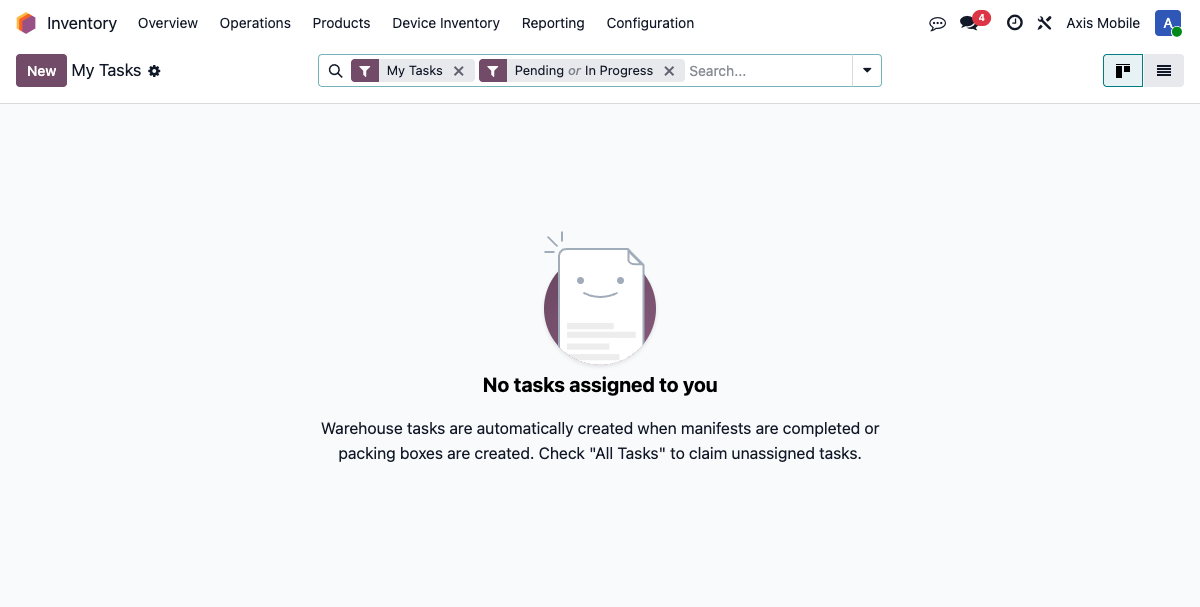
Task Types
| Type | Description |
|---|---|
| Putaway | Move received devices from receiving dock to storage locations |
| Pick | Retrieve devices from storage for a sales order |
| Relocate | Move devices between storage locations |
| QC Move | Move devices to/from QC area |
| Pack | Pack devices into shipping boxes |
Task Lifecycle
- pending: Task created (e.g., auto-created after manifest complete)
- assigned: Worker claims the task (assign to self)
- in_progress: Worker starts the task, begins scanning devices
- done: All devices processed, task completed
Working a Task
- View "My Tasks" to see assigned tasks
- Click a task to open it
- Start the task (status → in_progress)
- Scan devices with barcode scanner
- Complete the task (status → done)
Part 2: Packing Boxes
Menu Path
- Path: Inventory → Device Inventory → Warehouse Operations → Packing Boxes
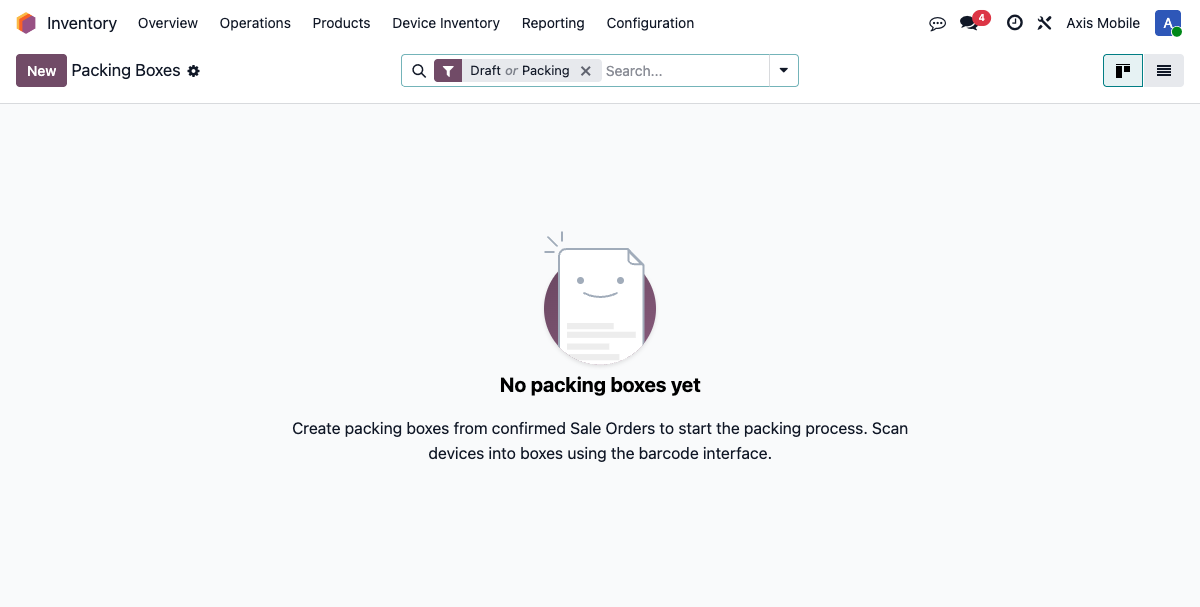
- Model:
packing.box
Box States
Packing Workflow
- Create box for a Sales Order
- Scan devices into the box using barcode (JSON-RPC endpoint:
scan_device(imei)) - Progress tracking: count of packed devices vs expected
- Mark ready to ship when all devices packed
- Mark shipped:
action_mark_shipped()triggers:- Marks devices as sold via
action_mark_sold() - Creates COGS GL entry
- Creates customer invoice
- Creates settlement reports (if consignment)
- Print label with barcode for the box
Box Fields
| Field | Description |
|---|---|
| sale_order_id | Link to SO being fulfilled |
| state | draft, packing, ready, shipped, cancelled |
| device_count | Number of devices packed |
| box_barcode | Unique barcode for the box |
Part 3: Device Movements
Menu Path
- Path: Inventory → Device Inventory → Warehouse Operations → Movement History
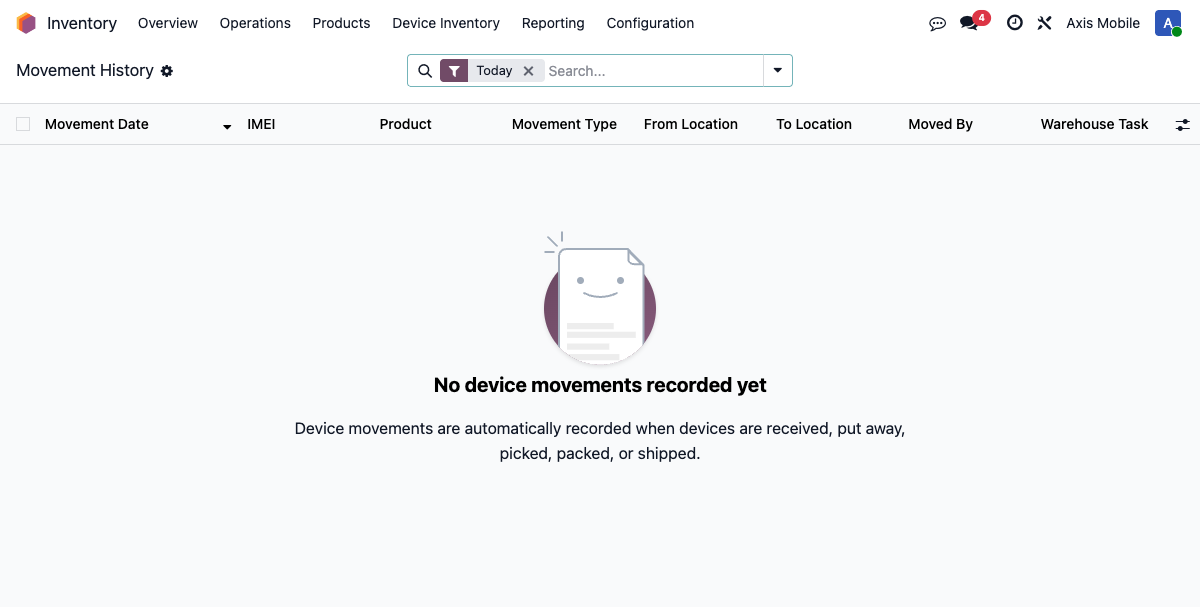
- Model:
device.movement
Overview
Every physical movement of a device is recorded as a device.movement record, creating a full audit trail.
Movement Types
| Type | Description | Triggered By |
|---|---|---|
| receiving | Device received from vendor | Manifest receive |
| putaway | Moved from receiving to storage | Putaway task |
| pick | Retrieved from storage for order | Pick task |
| pack | Placed in packing box | Packing box scan |
| qc_in | Moved to QC area | QC handoff |
| qc_out | Returned from QC area | QC complete |
| relocate | Moved between locations | Relocate task |
| ship | Shipped to customer | Mark shipped |
| retail_transfer | Moved to retail location | Retail reservation |
Movement Fields
| Field | Description |
|---|---|
| lot_id | Device (stock.lot) |
| movement_type | Type of movement (see above) |
| source_location_id | Where device came from |
| dest_location_id | Where device went |
| user_id | Who performed the movement |
| timestamp | When it happened |
Automatic Location Updates
On movement creation, lot._update_current_location(dest_location) is called automatically to keep the device's current_location_id in sync.
Part 4: Barcode Scanning
Barcode scanning is used throughout the module:
| Context | How It Works |
|---|---|
| Manifest Receiving | Scan IMEI → _quick_receive() → creates lot + quant |
| Delivery Picking | Scan IMEI → _quick_pick() → matches to manifest line |
| Packing Boxes | Scan IMEI → scan_device() → adds to box |
| Warehouse Tasks | Scan IMEI → completes task line |
- Uses advisory locks (
pg_try_advisory_xact_lock) for race condition prevention - Accessible via Barcode app → Manifest Receiving
- Also available inline on manifest and task forms